Connect your AI agent to Thumbly with MCP
Thumbly exposes an MCP server so Cursor, Claude Desktop, and other agents can generate, edit, analyze, and score thumbnails with a tb_live_ API key. Setup, tools, limits, and a Grok Bot follow-up example.
4 min read GuidesAPIMCPThumbnailsYour agent can already write copy and plan uploads. With Thumbly's MCP server, it can also generate thumbnails, score packaging, and scan a channel without you leaving the chat.
[MCP](https://modelcontextprotocol.io) (Model Context Protocol) is how tools like Cursor and Claude Desktop call external services. Thumbly exposes one endpoint. Same API key as the REST API. Five thumbnail tools on the other side.
Get your API key
You need a `tb_live_` key before anything else.
Creating a key requires an active subscription. If the API refuses, subscribe first (**Settings → View Plans**), then retry **Create New Key**. The copy-once screen says "Copy your API key now. It will not be shown again."
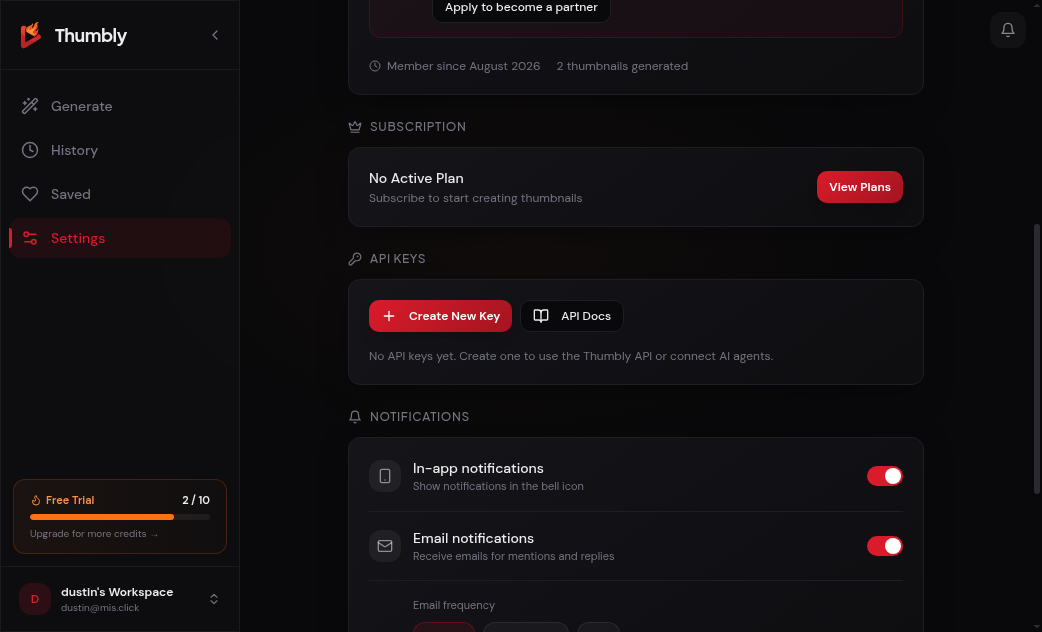
*Settings → API Keys empty state, before your first key.*
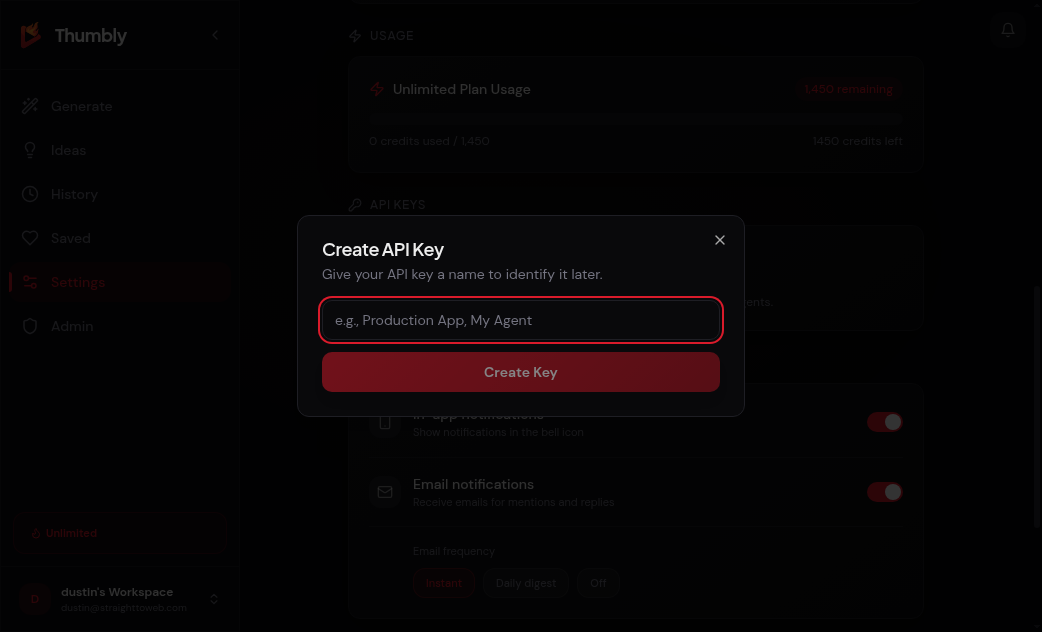
*The Create API Key dialog with a name field.*
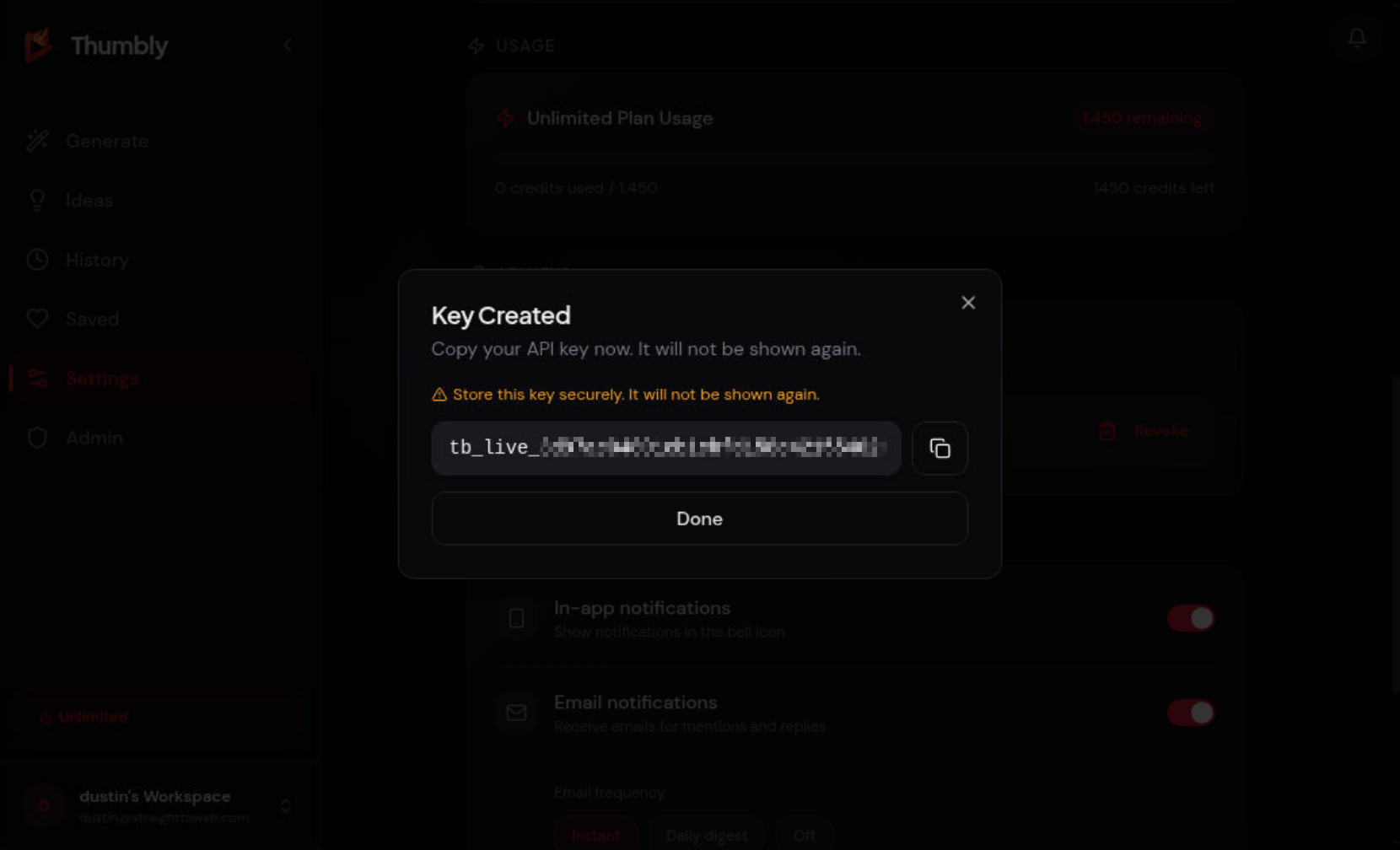
*Copy the key now. Thumbly will not show the full value again.*
If you try before subscribing, the API refuses and you get a toast instead of the copy-once screen.
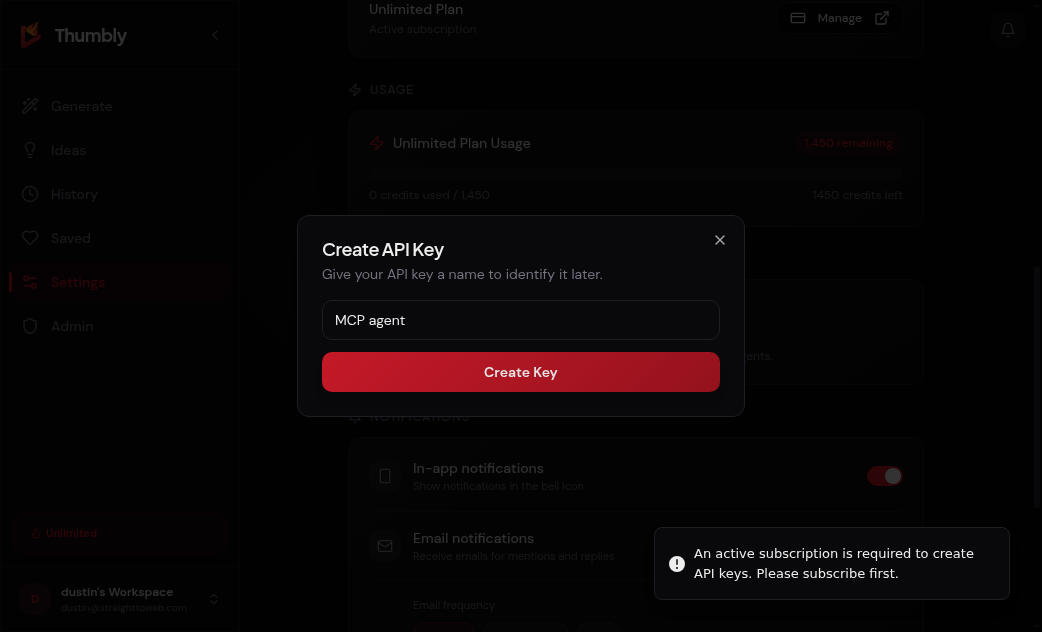
*Without a plan, Create Key shows a subscription-required toast.*
MCP in the developer docs
The same endpoint and tool list live in [/docs](/docs#mcp):
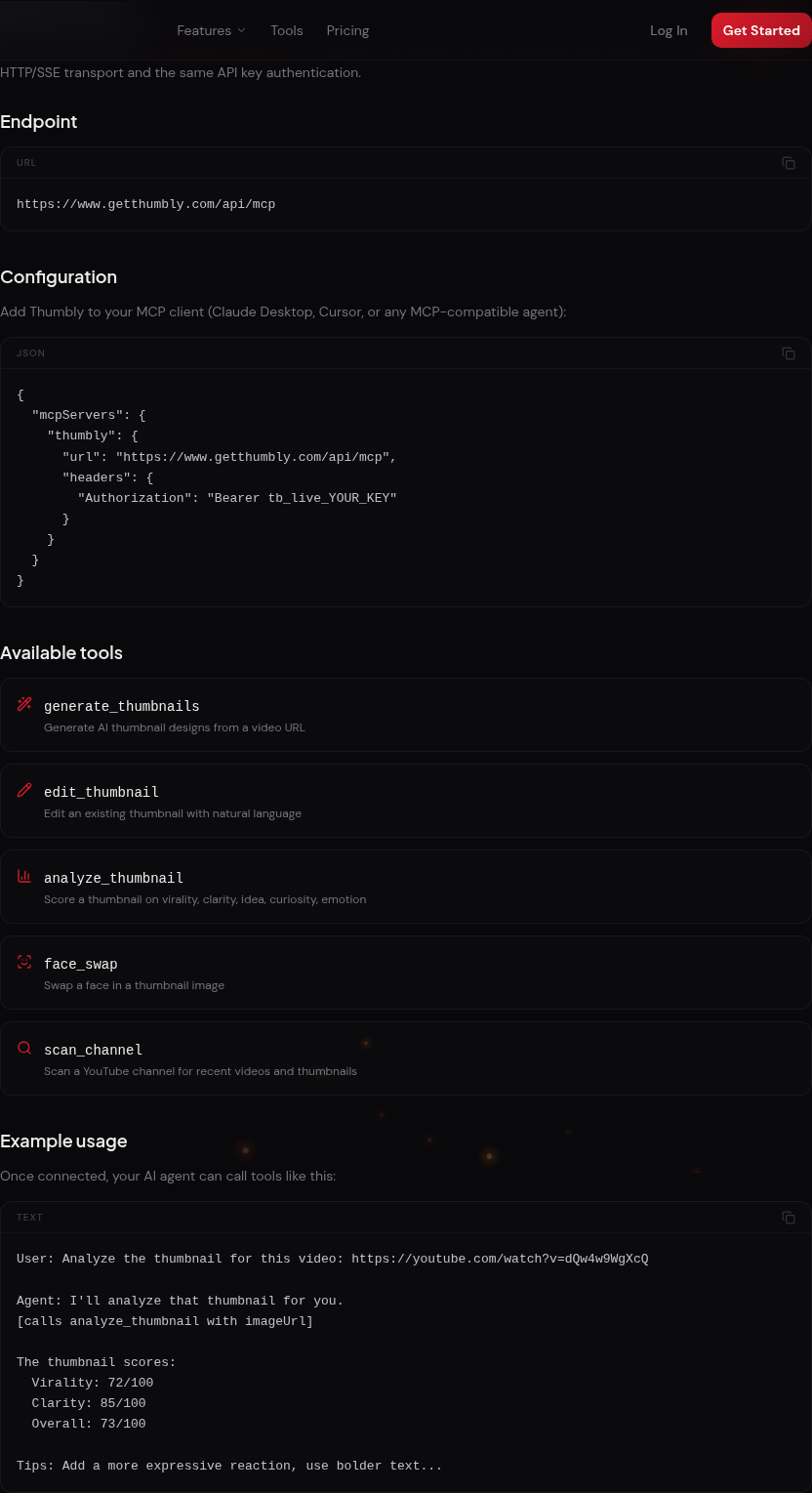
*Docs MCP section: endpoint, `mcpServers` JSON, and five tools.*
Add Thumbly to your MCP client
Paste this into your client's MCP config (Cursor, Claude Desktop, or any MCP-compatible agent):
```json
{
"mcpServers": {
"thumbly": {
"url": "https://www.getthumbly.com/api/mcp",
"headers": {
"Authorization": "Bearer tb_live_YOUR_KEY"
}
}
}
}
```
Replace `tb_live_YOUR_KEY` with the key you copied. Restart the client if it does not pick up the new server right away.
**Endpoint:** `https://www.getthumbly.com/api/mcp`
Five tools your agent can call
Once connected, your agent sees these tools:
| Tool | What it does |
| --- | --- |
| `generate_thumbnails` | Generate AI thumbnail designs from a video URL or uploaded frame |
| `edit_thumbnail` | Edit an existing thumbnail with natural language |
| `analyze_thumbnail` | Score a thumbnail on virality, clarity, idea, curiosity, and emotion |
| `face_swap` | Swap a face in a thumbnail image |
| `scan_channel` | Scan a YouTube channel for recent videos and thumbnails |
A typical first run:
> Scan my channel and score the latest thumbnail.
`analyze_thumbnail` needs an `imageUrl`. It will not score a YouTube watch link. Have the agent call `scan_channel` first (or generate a variant), then pass that image URL into `analyze_thumbnail`.
Errors and rate limits
Know these before you wire a production workflow:
| Status | Meaning |
| --- | --- |
| **401** | Missing, invalid, or revoked API key. Check the `Bearer tb_live_…` header. |
| **402** | Out of credits. Generation and analysis use the same credit pool as the web app. Top up and retry. |
| **403** | No active subscription when creating a key. Subscribe first, then retry Create New Key. |
| **429** | Rate limit hit. Default is **20 requests per minute** per key. Wait for the window to reset and retry. |
REST responses include `X-RateLimit-*` headers. MCP does not. On a 429, wait a minute and retry.
Example: cluster hub with Grok Bot follow-up
One pattern we see in the wild: a **cluster hub** agent orchestrates research, then hands thumbnail work to a specialist.
You stay in one thread. The hub decides when to delegate. Grok (or any MCP-connected bot) does the pixel work.
That is the point of MCP: your agent stack gets real thumbnail tooling instead of hallucinated image links.
